


Table of contents [Show]
Introduction: Why Lifecycle Hooks Matter
When I first started with Vue, I’ll admit: lifecycle hooks sounded like rocket science. I was happily binding v-model, looping through arrays with v-for, and showing/hiding content with v-if. Then one day, a teammate asked me: “Where are you fetching the data? Did you put it in mounted or created?” I froze like a deer in headlights. Lifecycle what now?
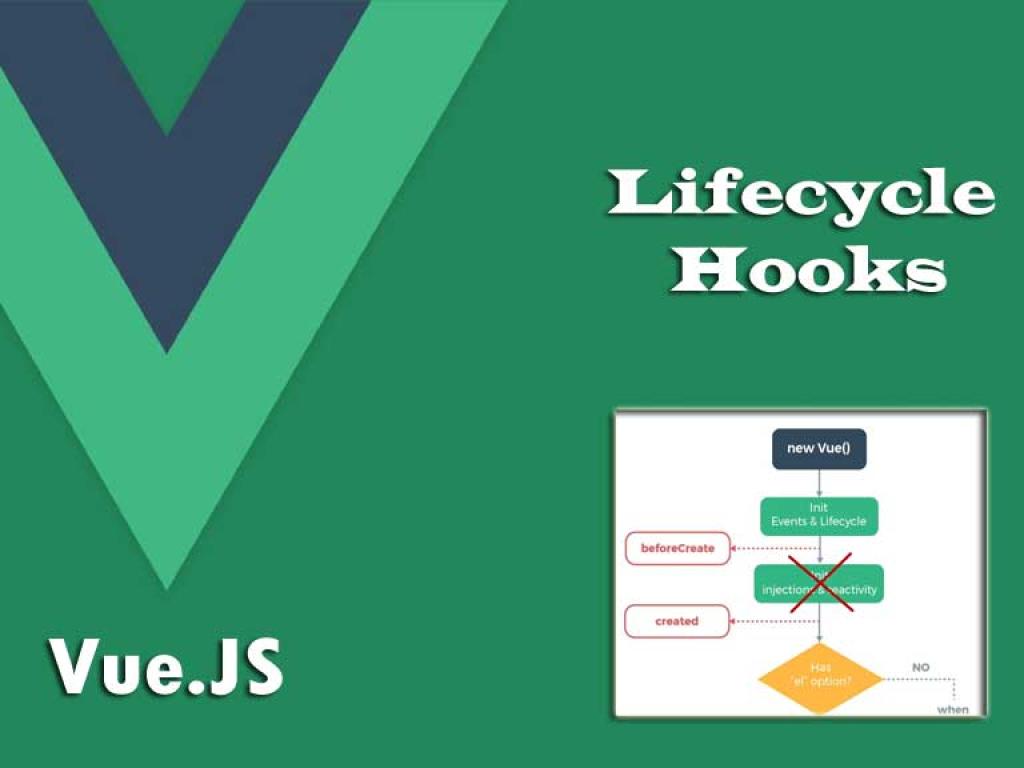
If that’s you, relax—you’re not alone. Think of lifecycle hooks as checkpoints in a Vue component’s life. From birth (beforeCreate) to growth (mounted) to evolution (updated) and eventual cleanup (destroyed), hooks give you precise control over what happens and when. Once you master them, you’ll be unstoppable.
What Are Vue Lifecycle Hooks?
Every Vue component goes through a series of stages from initialization to destruction. Lifecycle hooks are methods Vue calls at specific moments during this journey. They allow you to “hook into” these moments and run your own logic.
The Lifecycle Journey
Here’s the basic flow:
- Creation Phase: The component is initialized, data is set up, but it’s not yet in the DOM.
- Mounting Phase: The template is rendered and inserted into the DOM.
- Updating Phase: Reactive data changes trigger re-renders.
- Unmounting Phase: The component is destroyed and cleaned up.
Creation Phase Hooks
beforeCreate
beforeCreate runs at the very start of the component’s life, before data and events are set up. At this point, this is not yet reactive, so trying to access data or computed values will result in undefined.
export default {
  beforeCreate() {
    console.log('beforeCreate: Data not yet reactive.');
  }
}
Pro tip: Rarely used, but great for debugging initialization.
created
By the time created runs, data reactivity is fully set up. You can safely access data, methods, and computed. However, the component isn’t mounted to the DOM yet—so no DOM manipulation here.
export default {
  data() {
    return { message: 'Hello Vue!' }
  },
  created() {
    console.log('created: Message is', this.message);
    // Perfect place to fetch data from an API
  }
}
Mounting Phase Hooks
beforeMount
Just before the component is mounted, Vue compiles the template into a render function. You can’t interact with the DOM here because the component hasn’t been inserted yet.
export default {
  beforeMount() {
    console.log('beforeMount: Template compiled, not in DOM yet.');
  }
}
mounted
This is one of the most commonly used hooks. Once the component is mounted, you can safely manipulate the DOM or initialize third-party libraries that depend on the DOM.
export default {
  mounted() {
    console.log('mounted: Component is now in the DOM.');
    const el = this.$refs.myDiv;
    console.log('Div content:', el.innerText);
  }
}
Use case: Fetching data and displaying it, integrating charts, or adding event listeners directly to the DOM.
Updating Phase Hooks
beforeUpdate
This hook fires right before the DOM is re-rendered due to reactive data changes. The data is updated, but the DOM isn’t.
export default {
  data() {
    return { count: 0 }
  },
  beforeUpdate() {
    console.log('beforeUpdate: DOM is about to update. Count:', this.count);
  }
}
updated
Once the DOM has updated to reflect the new state, updated is called. This is a great spot for post-DOM-update logic.
export default {
  updated() {
    console.log('updated: DOM has been re-rendered.');
  }
}
Unmounting Phase Hooks
beforeUnmount
In Vue 3, beforeDestroy was renamed to beforeUnmount. This hook runs right before a component is unmounted from the DOM. Great for cleanup.
export default {
  beforeUnmount() {
    console.log('beforeUnmount: Component about to be removed.');
  }
}
unmounted
The final farewell. Once unmounted fires, the component and its directives are gone. You can clear timers, unsubscribe from events, or release resources here.
export default {
  unmounted() {
    console.log('unmounted: Component removed from DOM.');
  }
}
Full Lifecycle Hook Example
Let’s put everything together in a simple example with a counter component. Watch the console as you increment and destroy the component.
<template>
  <div>
    <h2>Counter: {{ count }}</h2>
    <button @click="count++">Increment</button>
    <button @click="destroyComponent">Destroy</button>
    <div ref="myDiv">I am a div</div>
  </div>
</template>

<script>
export default {
  data() {
    return { count: 0 }
  },
  beforeCreate() { console.log('beforeCreate') },
  created() { console.log('created') },
  beforeMount() { console.log('beforeMount') },
  mounted() { console.log('mounted') },
  beforeUpdate() { console.log('beforeUpdate') },
  updated() { console.log('updated') },
  beforeUnmount() { console.log('beforeUnmount') },
  unmounted() { console.log('unmounted') },
  methods: {
    destroyComponent() {
      this.$el.remove(); // Simulates destruction
    }
  }
}
</script>
Real-World Case Studies
Fetching API Data
Use created or mounted to fetch API data. The difference? created fires earlier, so it’s often best for data fetching, while mounted is safer if you need the DOM to exist first.
created() {
  fetch('https://api.example.com/users')
    .then(res => res.json())
    .then(data => { this.users = data })
}
DOM Integration
Imagine integrating a chart library. You’d initialize it in mounted to ensure the DOM is present.
Cleanup Tasks
If you set an interval or subscribe to WebSocket events, clean them up in beforeUnmount or unmounted.
mounted() {
  this.interval = setInterval(() => { this.count++ }, 1000);
},
unmounted() {
  clearInterval(this.interval);
}
Pro Tips & Best Practices
- Use
createdfor data fetching, unless DOM is required. - Use
mountedfor DOM-dependent libraries (charts, maps, etc.). - Use
beforeUpdateto check state before DOM changes. - Use
updatedfor logic after DOM changes. - Always clean up timers, listeners, or resources in
unmounted.
Conclusion
Lifecycle hooks aren’t scary—they’re your toolkit for controlling the heartbeat of Vue components. With practice, you’ll instinctively know which hook to reach for in different scenarios. Whether it’s fetching API data, integrating third-party libraries, or cleaning up resources, hooks give you precise control over your component’s journey.
Now the next time someone asks you, “Where did you put that data fetch?” you can confidently reply: “In created, obviously.” 😉


