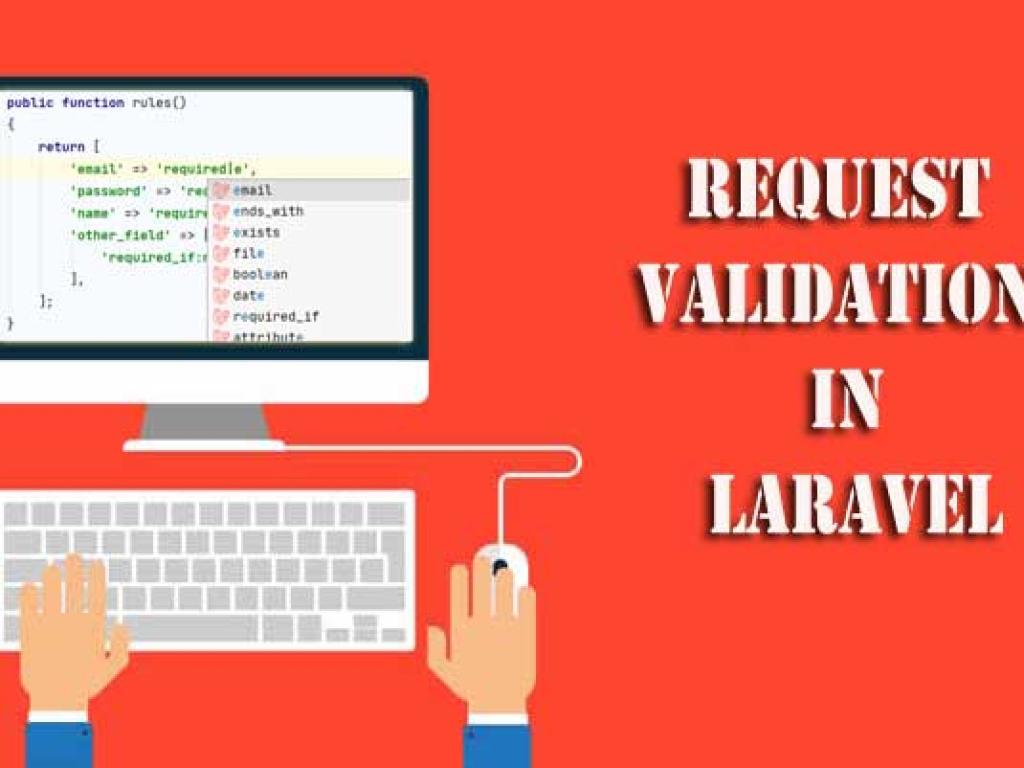
This detailed tutorial explores request validation in Laravel controllers. You’ll learn multiple techniques—basic controller validation, using form request classes, custom rules, conditional validation, error handling, localization, and best practices. With practical examples, code snippets, and structured explanations, this article is designed for beginners to advance learner.
When building modern web applications, validating user input is one of the most critical tasks. Without validation, applications become vulnerable to incorrect data, broken functionality, and even security risks. Laravel makes input validation seamless with its powerful and expressive validation features directly integrated into controllers.
In this article, we will dive deep into Request Validation in Laravel Controllers. From beginner-friendly examples to advanced use cases like custom rules, conditional validation, and validation in APIs, you’ll discover how to handle user input like a professional. This guide ensures you not only know the how but also the why of Laravel validation.
What is Request Validation?
Request validation is the process of checking incoming data from HTTP requests (such as form submissions or API calls) to ensure it meets defined rules before proceeding to business logic. For example, if you have a registration form, you must ensure that:
The name field is required and not empty.
The email field is a valid email address and unique.
The password meets minimum length requirements.
In Laravel, you can perform these checks directly in your Controller methods or through specialized Form Request classes.
Validating Requests in Controllers (Basic Approach)
The most straightforward way to validate requests is by using the $request->validate() method directly inside a controller method.
// app/Http/Controllers/UserController.php

namespace App\Http\Controllers;

use Illuminate\Http\Request;
use App\Models\User;

class UserController extends Controller
{
    public function store(Request $request)
    {
        $validated = $request->validate([
            'name' => 'required|max:255',
            'email' => 'required|email|unique:users',
            'password' => 'required|min:8|confirmed',
        ]);

        User::create($validated);

        return redirect('/users')->with('success', 'User created successfully!');
    }
}
In this example:
The name field is required and cannot exceed 255 characters.
The email must be unique in the users table.
The password must be at least 8 characters long and confirmed (requires a password_confirmation field).
Handling Validation Errors
When validation fails, Laravel automatically redirects the user back to the previous page with error messages stored in the session. You can display these in Blade templates using the @error directive.
To keep controllers clean, Laravel provides Form Request classes, which encapsulate validation logic.
Create a new form request using Artisan:
php artisan make:request StoreUserRequest
This generates a file at app/Http/Requests/StoreUserRequest.php.
// app/Http/Requests/StoreUserRequest.php

namespace App\Http\Requests;

use Illuminate\Foundation\Http\FormRequest;

class StoreUserRequest extends FormRequest
{
    public function authorize()
    {
        return true; // or implement authorization logic
    }

    public function rules()
    {
        return [
            'name' => 'required|max:255',
            'email' => 'required|email|unique:users',
            'password' => 'required|min:8|confirmed',
        ];
    }
}
Use it in the controller:
// app/Http/Controllers/UserController.php

use App\Http\Requests\StoreUserRequest;

public function store(StoreUserRequest $request)
{
    User::create($request->validated());

    return redirect('/users')->with('success', 'User created successfully!');
}
Validation Rules Overview
Laravel offers a wide range of validation rules. Here’s a table summarizing commonly used ones:
Rule
Description
Example
required
Field must be present and not empty
'name' => 'required'
email
Must be a valid email format
'email' => 'required|email'
min
Minimum length or value
'password' => 'min:8'
max
Maximum length or value
'name' => 'max:255'
confirmed
Requires matching field with _confirmation suffix
'password' => 'confirmed'
unique
Ensures value is unique in a table
'email' => 'unique:users'
Custom Error Messages
You can provide user-friendly error messages inside the controller or form request.
public function messages()
{
    return [
        'name.required' => 'Please enter your full name.',
        'email.unique' => 'This email is already registered.',
        'password.confirmed' => 'Passwords do not match.',
    ];
}
Conditional Validation
Sometimes rules should only apply under certain conditions. Laravel provides sometimes() for this.
If built-in rules don’t meet your needs, you can create custom validation rules.
php artisan make:rule Uppercase
This generates app/Rules/Uppercase.php:
namespace App\Rules;

use Illuminate\Contracts\Validation\Rule;

class Uppercase implements Rule
{
    public function passes($attribute, $value)
    {
        return strtoupper($value) === $value;
    }

    public function message()
    {
        return 'The :attribute must be uppercase.';
    }
}
Use it in a request:
$request->validate([
    'title' => ['required', new Uppercase],
]);
API Validation in Controllers
For APIs, validation errors should return JSON responses. Laravel automatically handles this if the request expects JSON.
Laravel’s validation messages can be translated easily. Default messages are stored in resources/lang/en/validation.php. You can modify or add translations for different locales like resources/lang/fr/validation.php.
Best Practices for Validation in Controllers
Use Form Request classes for reusability and clean controllers.
Always validate all external inputs, especially in APIs.
Provide meaningful error messages for better user experience.
Use conditional validation for dynamic form requirements.
Extract business logic to services; keep controllers focused on request handling.
Conclusion
Request validation is a cornerstone of building secure and user-friendly applications in Laravel. By mastering validation inside controllers, you can ensure that your applications handle user input gracefully and safely. From simple rules to complex custom validations, Laravel provides all the tools you need.
As you continue building applications, remember: validate first, then process. This simple practice will make your Laravel projects more robust, maintainable, and professional.
This article is a comprehensive tutorial on using the Prohibited Validation Rules in Laravel. You will learn how to apply prohibited, prohibited_if, and prohibited_unless with clear explanations, real-life scenarios, and code examples. This guide is perfect for developers who want to master advanced validation techniques in Laravel applications.
This guide teaches you how to deploy Laravel applications to production servers. From preparing your environment and configuring Nginx or Apache, to database migrations, caching, performance optimization, CI/CD pipelines, and security practices—this article covers everything step by step.It’s suitable for both beginners and advanced developers who want to ship stable, secure & scalable app.
This guide will take you deep into testing in Laravel using both PHPUnit and Pest. You will learn step by step how to set up testing, write unit and feature tests, test APIs, and follow test-driven development (TDD) principles. Complete with code examples, actionable instructions, and best practices, this guide is designed to make you professional in testing.
This website uses cookies to enhance your browsing experience. By continuing to use this site, you consent to the use of cookies. Please review our Privacy Policy for more information on how we handle your data. Cookie Policy
These cookies are essential for the website to function properly.
These cookies help us understand how visitors interact with the website.
These cookies are used to deliver personalized advertisements.