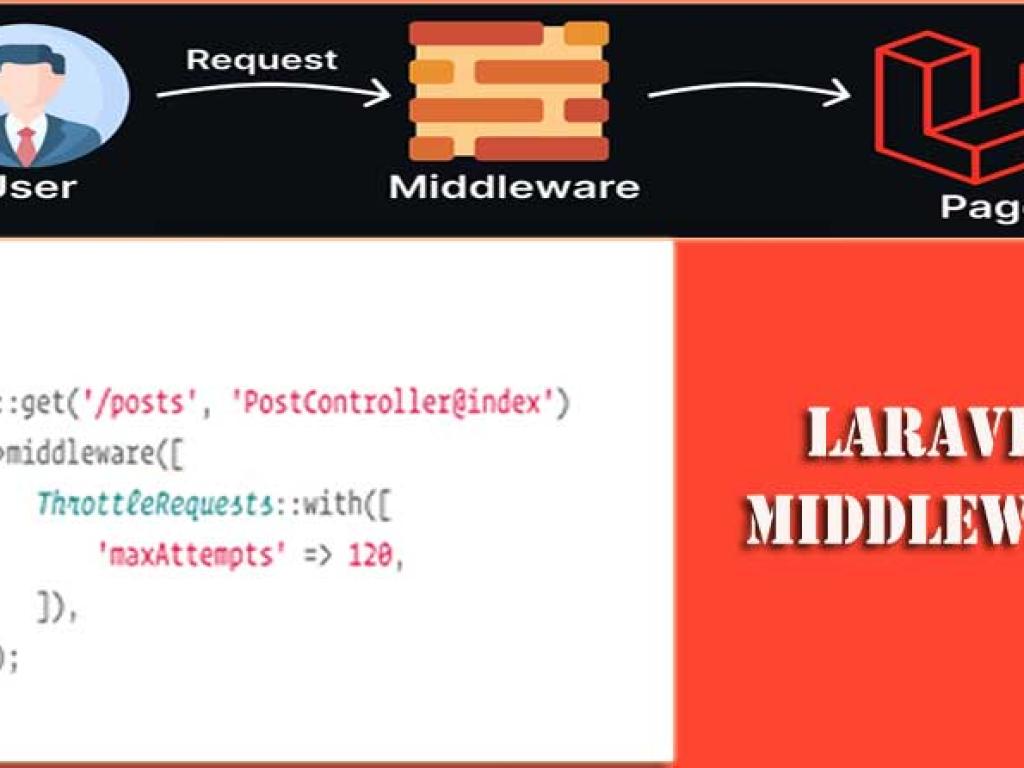
his detailed tutorial explores Laravel Middleware in depth. You’ll learn how middleware works, how to create and register your own, and how to use it to secure and filter user requests in your application. With step-by-step code examples, best practices, and visuals, this article will make you confident in mastering middleware for real-world projects.
Imagine you are at the entrance of a secure building. A guard stands at the gate, checking whether you’re allowed to enter. If you have the right badge, you pass; if not, you’re turned away. In Laravel, that “guard” is middleware.
Middleware acts as a filter between the incoming HTTP request and your application’s response. It inspects, modifies, or blocks requests before they reach your controllers. Laravel provides many built-in middleware, and you can create your own for custom logic.
Why Middleware Matters
Middleware is essential for modern web applications. It allows developers to implement common functionality across multiple routes in a clean, reusable way. Here’s why middleware is important:
Security: Restrict access to authenticated users only.
Filtering: Sanitize input or block malicious requests.
Performance: Apply caching strategies at request level.
Consistency: Apply the same logic across multiple routes easily.
How Middleware Works in Laravel
Every HTTP request goes through a pipeline of middleware before it reaches the controller. Middleware can either allow the request to continue or stop it and return a response.
// Example of middleware pipeline
public function handle($request, Closure $next)
{
    // Perform some action before controller
    if ($request->ip() == '123.45.67.89') {
        return response('Blocked IP', 403);
    }

    return $next($request); // Pass to next middleware/controller
}
Built-in Middleware in Laravel
Laravel comes with several middleware by default. Here are the most commonly used ones:
Middleware
Description
auth
Ensures user is authenticated.
guest
Redirects authenticated users away from guest-only pages.
verified
Ensures the user has verified their email address.
throttle
Limits number of requests per user within a time period.
csrf
Protects against Cross-Site Request Forgery attacks.
Creating Custom Middleware
Step 1: Generate Middleware
php artisan make:middleware CheckAge
Step 2: Define Middleware Logic
// app/Http/Middleware/CheckAge.php
namespace App\Http\Middleware;

use Closure;
use Illuminate\Http\Request;

class CheckAge
{
    public function handle(Request $request, Closure $next)
    {
        if ($request->age < 18) {
            return response('You are not allowed!', 403);
        }
        return $next($request);
    }
}
Step 3: Register Middleware
You can register middleware globally, in groups, or on specific routes.
Middleware can also accept parameters. For example, a throttle middleware:
// routes/web.php
Route::get('/dashboard', function () {
    return 'Dashboard';
})->middleware('throttle:10,1');
This limits users to 10 requests per minute.
Practical Examples
Example 1: IP Blocking Middleware
class BlockIP
{
    public function handle($request, Closure $next)
    {
        $blockedIps = ['123.45.67.89'];

        if (in_array($request->ip(), $blockedIps)) {
            return response('Your IP is blocked', 403);
        }

        return $next($request);
    }
}
Example 2: Role-Based Middleware
class RoleMiddleware
{
    public function handle($request, Closure $next, $role)
    {
        if (! $request->user() || $request->user()->role !== $role) {
            abort(403, 'Unauthorized');
        }
        return $next($request);
    }
}
// routes/web.php
Route::get('/admin', function () {
    return 'Admin Dashboard';
})->middleware('role:admin');
Middleware Flow Diagram
Here’s a simple visual to explain how middleware works in Laravel:
Testing Middleware
You can test middleware with Laravel’s HTTP testing tools:
// tests/Feature/MiddlewareTest.php
public function test_blocked_ip_cannot_access()
{
    $response = $this->withServerVariables(['REMOTE_ADDR' => '123.45.67.89'])
                     ->get('/restricted');
    $response->assertStatus(403);
}
Best Practices for Middleware
Keep middleware focused on a single task.
Use middleware groups for common web or API tasks.
Always return meaningful error messages.
Do not overload middleware with business logic.
Test middleware thoroughly for edge cases.
Conclusion
Middleware is one of the most powerful features in Laravel. It acts as the gatekeeper for every request, giving you full control to secure and filter incoming data. Whether you’re implementing authentication, restricting access, logging activity, or filtering requests, middleware provides a clean, reusable solution. By mastering middleware, you’ll write cleaner, more secure, and more maintainable Laravel applications.
This article is a comprehensive tutorial on using the Prohibited Validation Rules in Laravel. You will learn how to apply prohibited, prohibited_if, and prohibited_unless with clear explanations, real-life scenarios, and code examples. This guide is perfect for developers who want to master advanced validation techniques in Laravel applications.
This detailed tutorial explores request validation in Laravel controllers. You’ll learn multiple techniques—basic controller validation, using form request classes, custom rules, conditional validation, error handling, localization, and best practices. With practical examples, code snippets, and structured explanations, this article is designed for beginners to advance learner.
This guide teaches you how to deploy Laravel applications to production servers. From preparing your environment and configuring Nginx or Apache, to database migrations, caching, performance optimization, CI/CD pipelines, and security practices—this article covers everything step by step.It’s suitable for both beginners and advanced developers who want to ship stable, secure & scalable app.
This website uses cookies to enhance your browsing experience. By continuing to use this site, you consent to the use of cookies. Please review our Privacy Policy for more information on how we handle your data. Cookie Policy
These cookies are essential for the website to function properly.
These cookies help us understand how visitors interact with the website.
These cookies are used to deliver personalized advertisements.